Pen
The Pen extension allows you to draw lines, shapes and text onto the stage.
The Pen works by drawing at the sprite's position, like if your sprite was holding onto a pen, but some blocks allow you to specify a position (like the pen print () at x () y () block)
Pen Up & Pen Down

The pen down block starts drawing on the stage, while the pen up block stops drawing.
Pen Customization
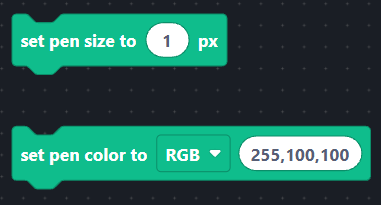
To customize how the pen looks, you can use these blocks.
The set pen size to () px block changes the size of the pen using pixels.
The set pen color to [RGB/HEX] block changes the color of the pen using RGB and HEX formats. You can obtain this value by using an online color picker.
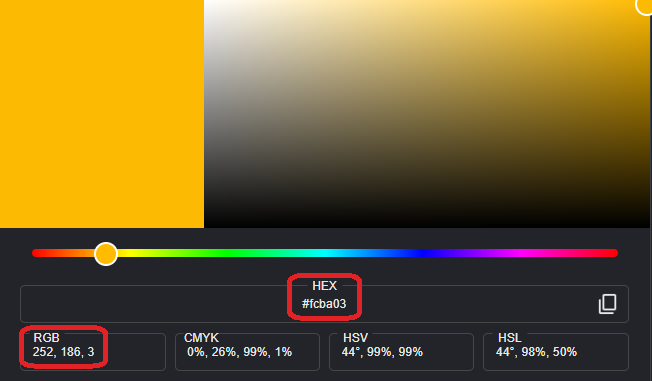 (example of an online color picker)
Pen Text Print
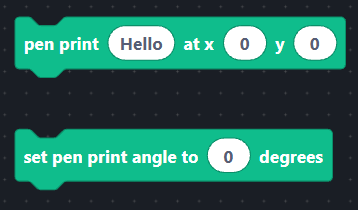
To draw text onto the stage, use the pen print () at x () y () block. This will also set the text's color to be the same as the one you set with the set pen color to [RGB/HEX] block.
if you want to change the direction of the text, use the set pen print angle to () degrees block. This uses the same direction system as sprites: 0 is normal, 90 looks down, 180 is upside-down.
Clearing The Stage

To remove all the drawings from the usage, use the clear pen block. This block doesn't affect sprites.